
Mutations
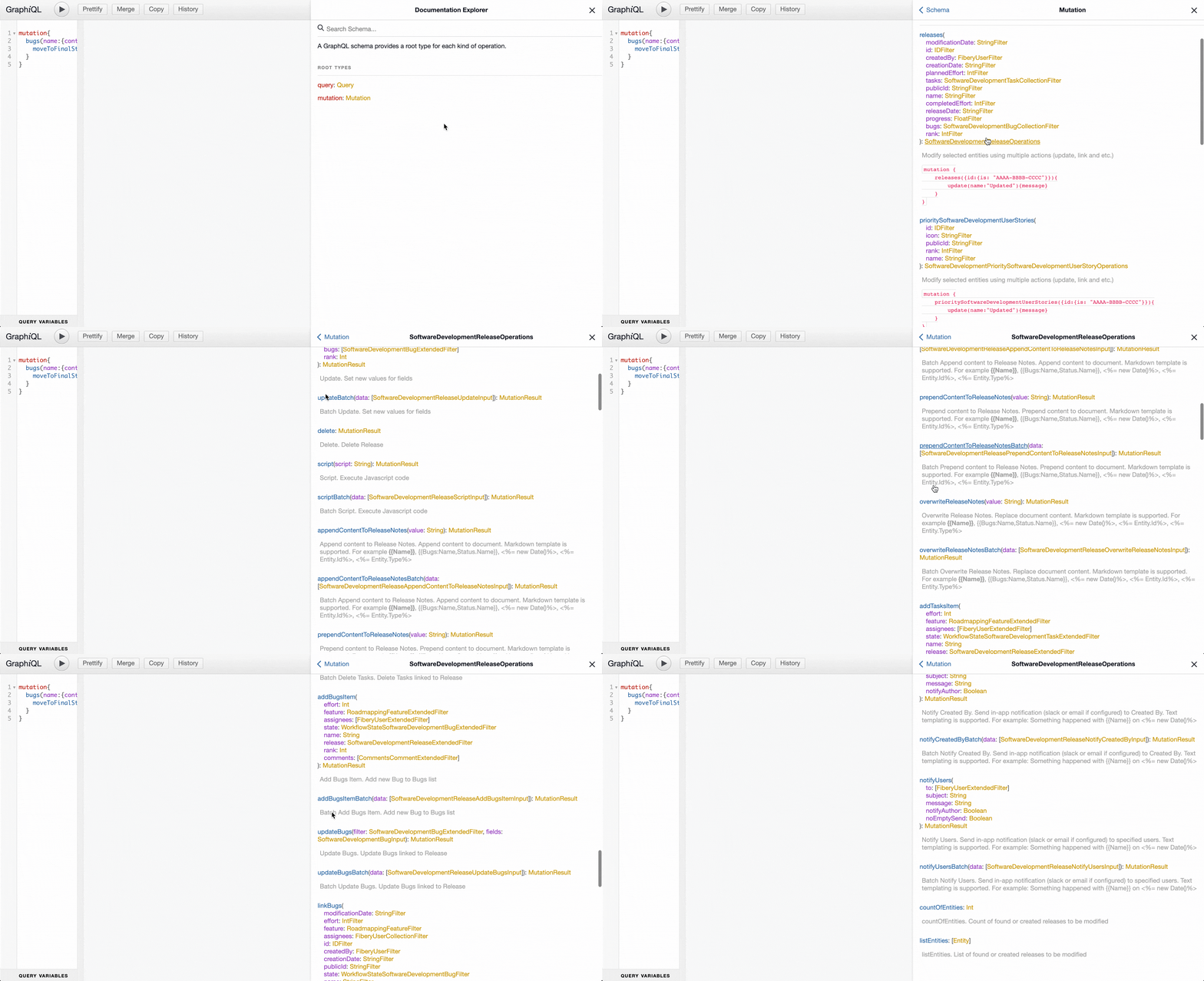
Mutations should be used to modify database content. We implemented a set of operations based on automation’s actions. These operations can be performed one by one for created or filtered database’s entities. In other words multiple actions can be executed for added entities or selected by filtering arguments. Find below the syntax of mutation. Filter argument to select entities for modification is the same as defined for find query. Every action has the result. It is amessage about action execution, affected entities.
data argument is an array of actions’ arguments.
Create
New entities can be added to database usingcreate or createBatch. The arguments of these actions native database fields. One-to-one fields and inner list items also can be linked.
Create one release and link all bugs in “To Do” state
Update
Use update action if it is required to modify some fields or relations. The database mutation filter argument for selection entities should be provided for actions likeupdate.
Change effort and release of bugs in “To Do” with effort equals to 15
Delete
Usedelete action to remove entities which satisfy provided criterion. Be careful with this command and verify that only required entities are going to be deleted by using find command before execute delete.
Verify entities to be deleted using listEntities or countOfEntities
Create and link relations
Related one-to-one, one-to-many or many-to-many entities can be created usingAddRelation or AddRelationItem actions.
Mind using GraphQL aliases to have convenient names in output
Rich Text fields
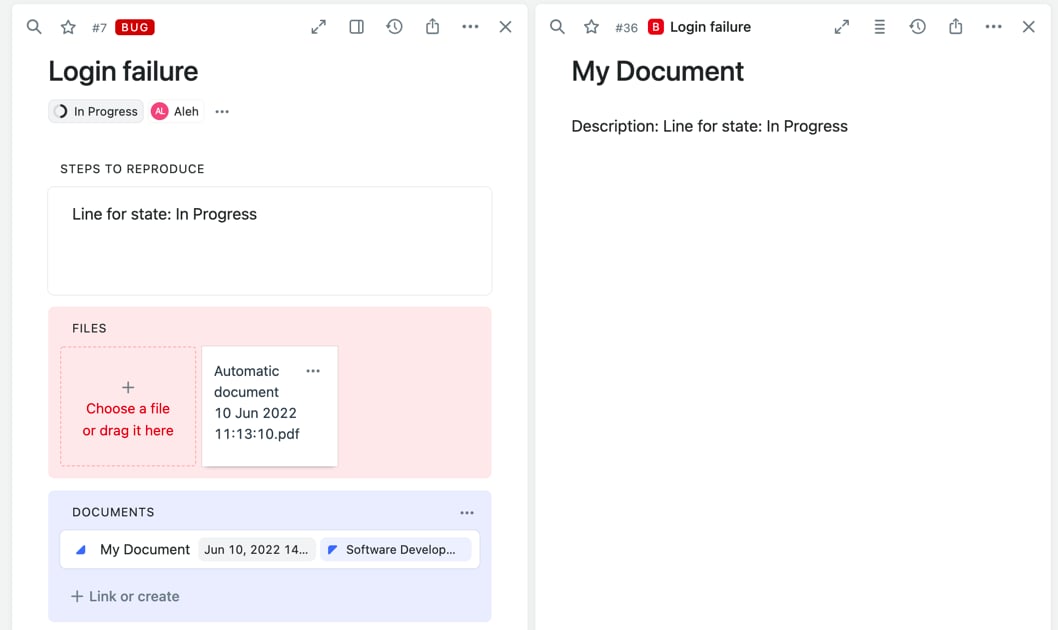
There are some additional actions which may be handy in modifying rich fields and generating PDFs. Rich fields can be modified by actions started fromappendContent, overwriteContent, prependContent. attachPdfUsingTemplate can be used for generating PDF files.
The templating capabilities can be used in the same way it is available in automations.
Find more information about markdown templates in Markdown Templates.
Unlink/Link relations
Relations can be linked or unlinked usinglink<Relation Name> or unlink<Relation Name> actions.
Delete relations
Relations can be removed from system by executingdelete<Relation Name>. Again be careful with this operation since the data will be erased.
Delete release from bugs with release
Send notifications via GraphQL
The build-in notifications can be sent usingNotifyUsers and other actions related to notifications like it is done for automatons. Text templates are supported.
Text templates have the same capabilities as Markdown Templates excluding support of Markdown Syntax, in other words it is just a text.
Add file from URL
The file can be attached to entities by usingaddFileFromUrl action.
How to avoid timeouts
Request (server) timeouts can be a problem for long-running tasks. We propose several ways to avoid it:- Run mutations as background job
- Use paging for mutations to reduce amount of data to be processed.
Use background jobs
There is a possibility in our GraphQL API to execute long-running actions in background. Huge set of operations with large amount of data can be executed as background jobs. The following steps should be used:- Start executing mutations as background job
- Monitor the status of job execution via executing
jobquery. There are three statuses:EXECUTING,FAILEDandCOMPLETED - Execute
jobquery again if status still equals toEXECUTING actionswill be populated with data when job status equals toCOMPLETED
The job results will be available in ~30 minutes.
Use paging for mutations
Uselimit, offset and orderBy in case of executing huge operational sets since it is required a lot of processing time and timeouts may be a problem. Please find an example on how to set sprint to stories by execution of the mutation with limit several times to avoid facing timeout. The main idea to update limited set of database until it has records which should be updated. In our case we are updating stories until some of them don’t have sprint.
Execute mutation with limit for first time: