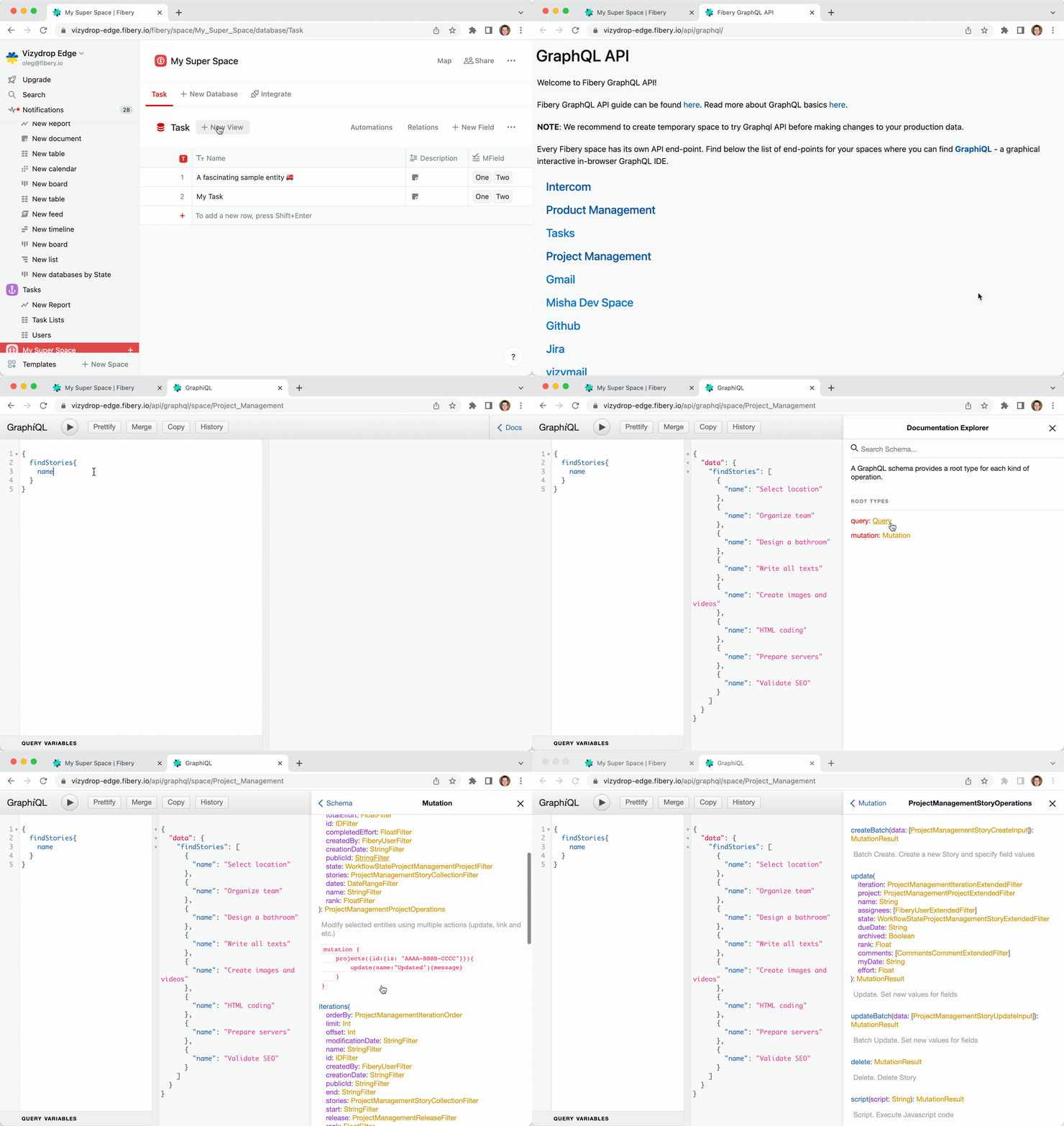
GraphQL is a query language for APIs and a runtime for fulfilling those queries with your existing data. The good news is that Fibery GraphQL IDE can be used by non-tech users to retrieve and modify the database records in a quick and simple way since it has autocomplete and easy to understand language. 2022-07-22 11.11.43.gif

How to start

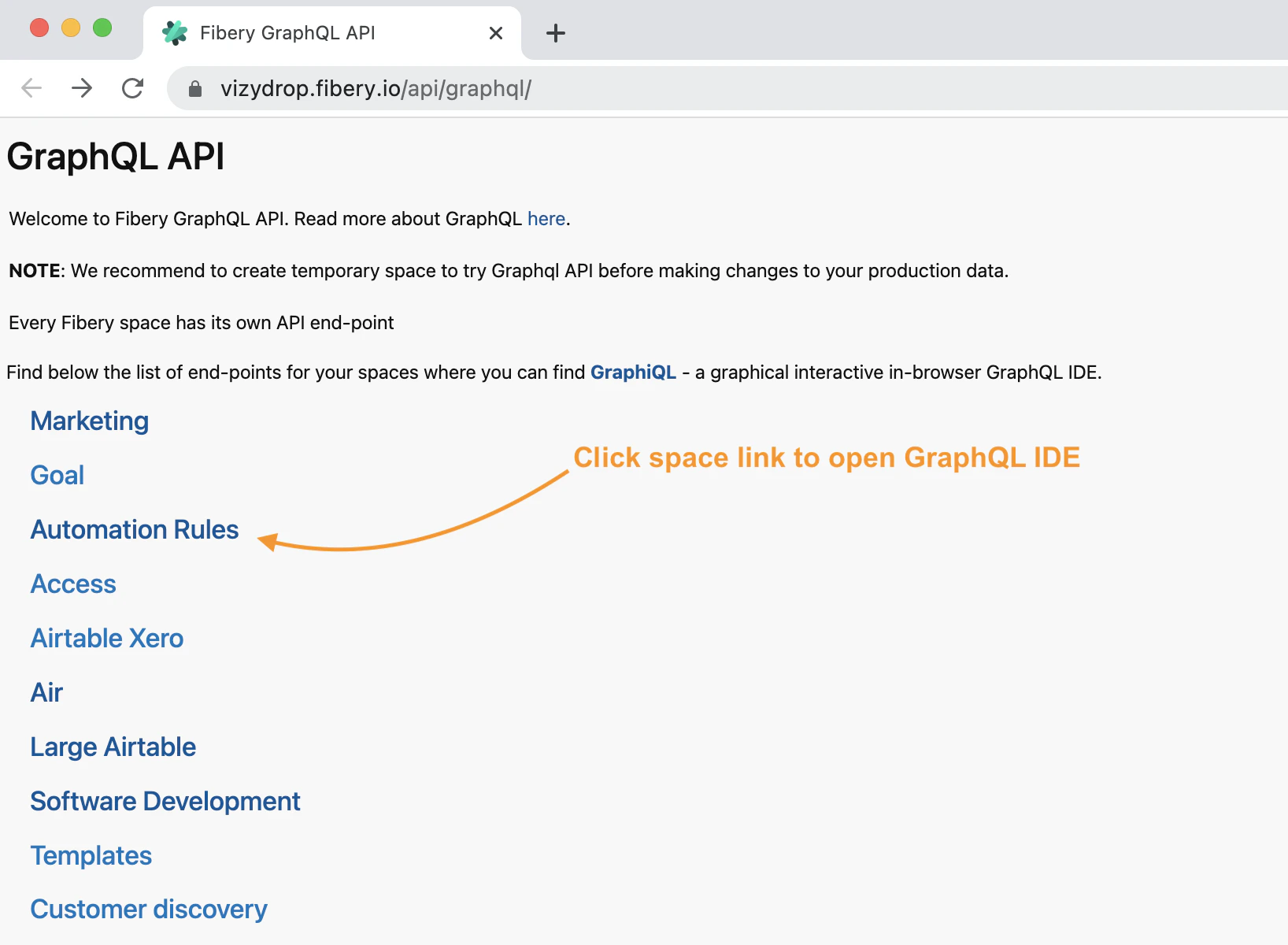
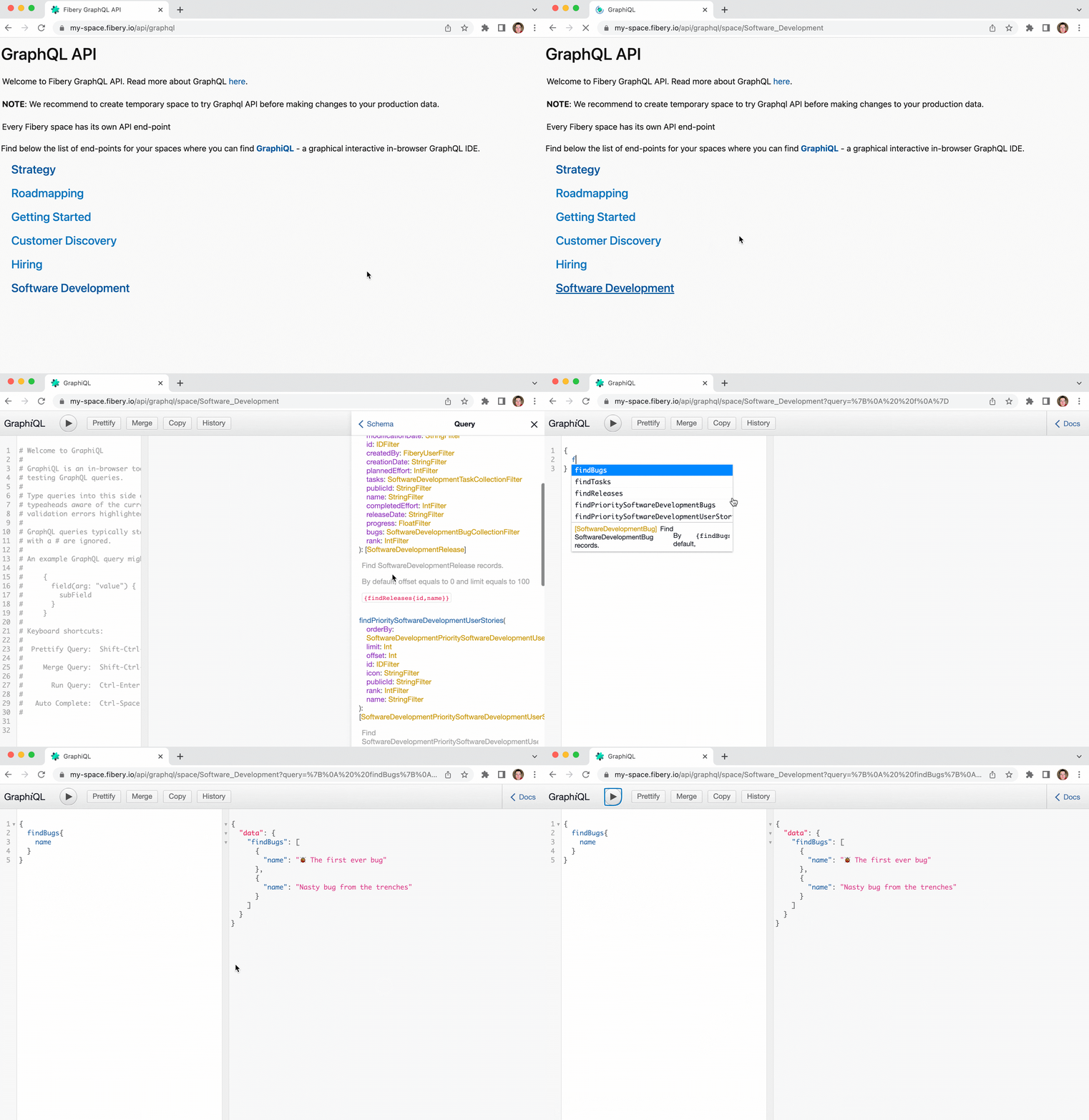
Every space has separate GraphQL API endpoint. The list of available space API endpoints can be found by following the link: {your fibery host}/api/graphql image.png By opening space’s end-point in your browser you will find a graphical interactive in-browser GraphQL IDE. Here you can explorer space’s GraphQL documentation and execute your GraphQL queries. g-explorer.gif Now you are ready to find records in your database.

How to find database records

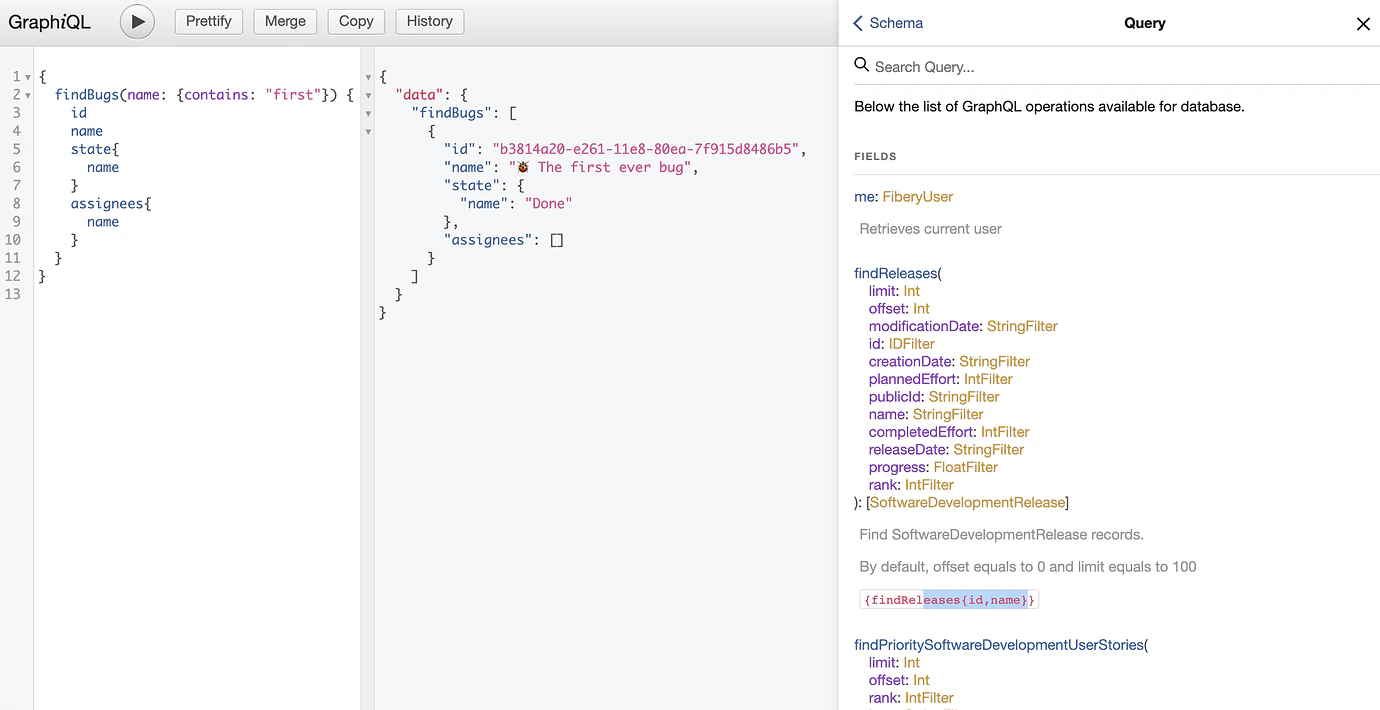
The records can be queried using query which starts from find For example:
{
  findBugs(name: {contains: "first"}) {
    id
    name
    state {
      name
    }
    assignees {
      name
    }
  }
}
image.png Read more about queries including sorting and paging in GraphQL queries.

How to modify or create database records

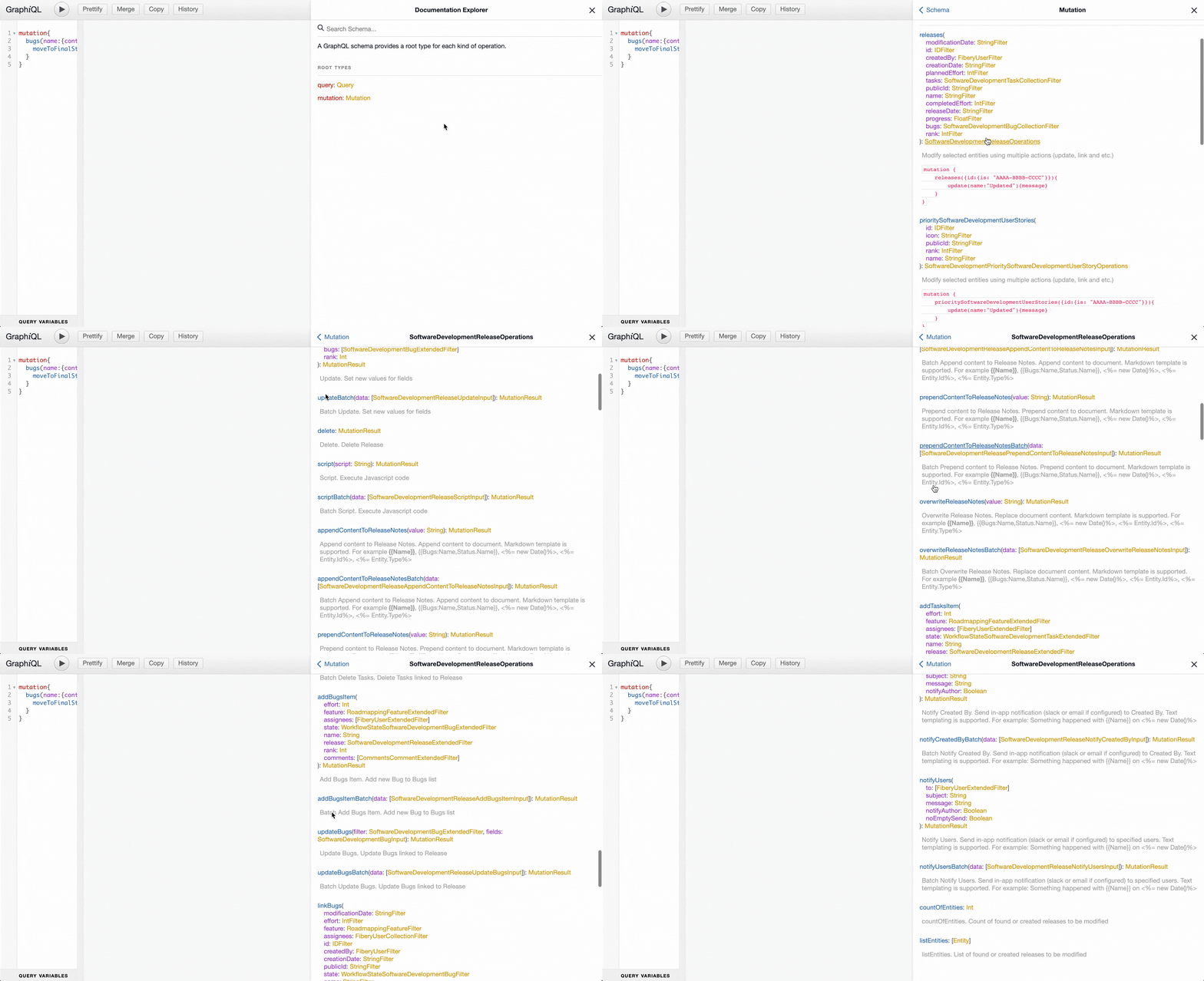
There are multiple operations available for modifying database records. These operations can be performed for found entities by provided filter or for created records in corresponding database. g-mutations.gif Find below an example of operations which can be performed for created record. In this example new bug created, assigned to author of API call, description with a template content is set to bug description.
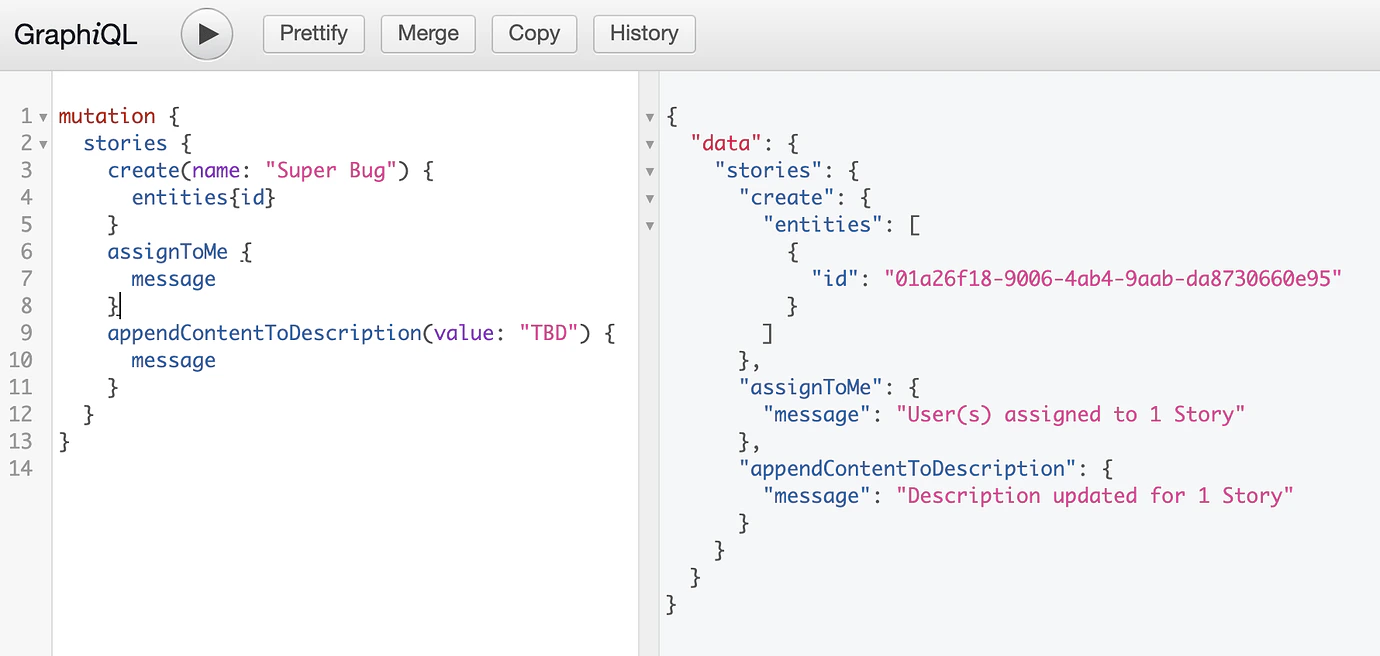
mutation {
  stories {
    create(name: "Super Bug") {
      message
    }
    assignToMe {
      message
    }
    appendContentToDescription(
      value: "This is a description of *{{Name}}*"
    ) {message}
  }
}
image.png For creating multiple records batch operation command createBatch can be used.
mutation {
  stories {
    createBatch(data: [
      {name: "Bug 1"}
      {name: "Bug 2"}
    ]) {
      entities {
        id
      }
    }
    assignToMe {
      message
    }
    appendContentToDescription(value: "TBD") {
      message
    }
  }
}
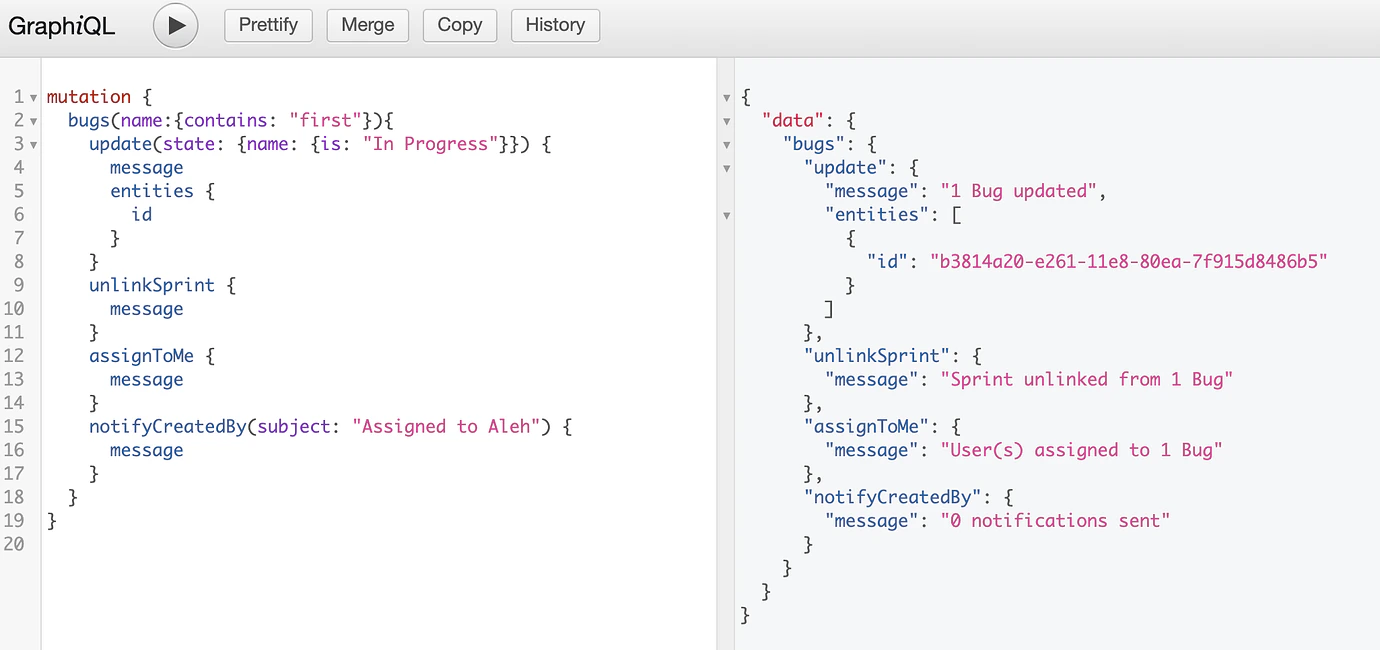
Find below the example of operations which can be performed for found records by provided filter as params to root node of mutation. Bugs with word “first” in name are moved into “In Progress” state, sprint is unlinked, found bugs are assigned to author of API call and the owner of found stories is notified.
mutation {
  bugs(name: {contains: "first"}) {
    update(state: {name: {is: "In Progress"}}) {
      message
      entities {
        id
      }
    }
    unlinkSprint {
      message
    }
    assignToMe {
      message
    }
    notifyCreatedBy(subject: "Assigned to Aleh") {
      message
    }
  }
}
image.png
https://cdn.jsdelivr.net/gh/jdecked/twemoji@latest/assets/svg/1f9ea.svg
Read more about GraphQL mutations.

Samples

Retrieve tasks assigned to current user

{
  findTasks(assignees: {contains: {id: {is: "$my-id"}}}) {
    name,
    description {
      md
    }
  }
}

Retrieve content of rich fields and documents

You can download content of rich fields or comments in four formats: jsonString, text, md, html.
{
  findFeatures {
    name,
    description {
      text
    }
  }
}

Batch update of multi select field

Set values “One” and “Two” to multi select field.
mutation {
  tasks(multiSelect: {isEmpty: true}) {
    update(
      multiSelect: {name: {in: ["One", "Two"]}}
    )
    {
      message
    }
  }
}

Assign tasks to current user

mutation {
  tasks(assignees: {notContains: {id: {is: "$my-id"}}}) {
    assignToMe {message}
  }
}

Change value of rich field

Let’s assume Feature database has rich field Description. Rich field can be updated using methods below.
https://cdn.jsdelivr.net/gh/jdecked/twemoji@latest/assets/svg/1f91d.svg
Markdown Templates are supported as well.
mutation {
  features(id: {is: "ABC"}) {
    overwriteDescription(value: "rewrite {{NAME}} desc") {message}
    appendContentToDescription(value: "text to append") {message}
    prependContentToDescription(value: "text to prepend") {message}
  }
}

Clear values with GraphQL

mutation {
  stories(id: {isNull: false}) {
    update(myDate: null) {message}
  }
}